
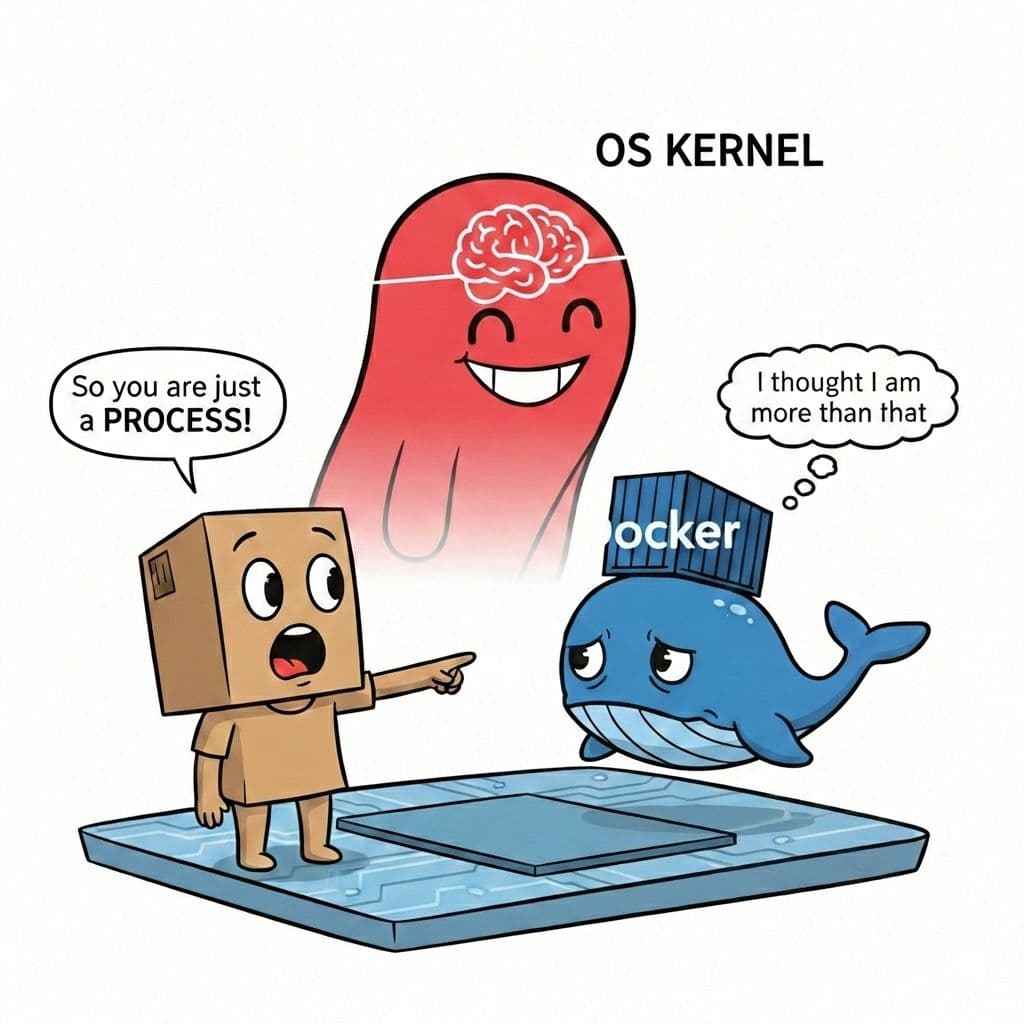
You learned Docker. You used it. You Dockerized everything.
No more wasting time setting up development environments by hand on your local machine. You pulled an image, started a container, and it worked.
For a long time, you may not have asked what a container actually was. You might simply have thought: “Who cares? It works.”
Then the questions started to appear:
- If a container is isolated from my host machine, does a complete operating system come inside the image?
- If an operating system is inside, why are container images so lightweight?
- Why does Windows need a Linux environment such as WSL2 to run a “simple” Linux container?
The answer is that a container is not a virtual machine. A container image is mainly a package of user-space files: application code, libraries, binaries, configuration, and metadata. When the container starts, the application runs as a process on a host kernel, with isolation provided by kernel features such as namespaces and resource limits provided by control groups (cgroups).
Docker Engine manages this process, prepares its filesystem view, configures networking and resources, and applies the isolation settings. The container itself is therefore not a complete operating system in a box. It is an isolated process environment that uses the host kernel.
This is why container images can be lightweight. They normally do not contain their own kernel, bootloader, or complete operating-system installation. They contain the user-space components the application needs, layered and packaged so they can be reused efficiently.
There is an important platform detail on Windows. Linux containers require Linux kernel behavior. Since Windows has a different kernel, Docker Desktop typically runs a lightweight Linux virtual machine, commonly through WSL2, to provide the Linux environment required by those containers. WSL2 is therefore not needed because containers are virtual machines; it is needed because the container and host must share a compatible kernel interface.
Does this level of detail matter? In computer engineering and programming, yes. Understanding the architecture explains both the strengths and the boundaries of a tool.
For example, containers provide process-level isolation, not the same security boundary as a traditional virtual machine. A container can still be misconfigured, run with excessive privileges, expose services, or contain vulnerable dependencies. “It runs in a container” is not a complete security strategy.
When you look beneath the friendly commands, you start to see how large systems are assembled: images provide repeatable user-space files, the kernel provides the underlying primitives, and an engine coordinates the process, filesystem, network, and resource limits.
That is why understanding the “how” matters. Using a tool makes you productive; understanding its architecture helps you reason about its behavior, debug its failures, and use it responsibly. That is one of the things that turns a coder into an engineer.